






LIVE connection
How TikTok uses your IP address and when a proxy makes sense for LIVE
Find out which IP address TikTok sees during a LIVE and how to tell a connection problem from a visibility restriction before you test a TikTok proxy.
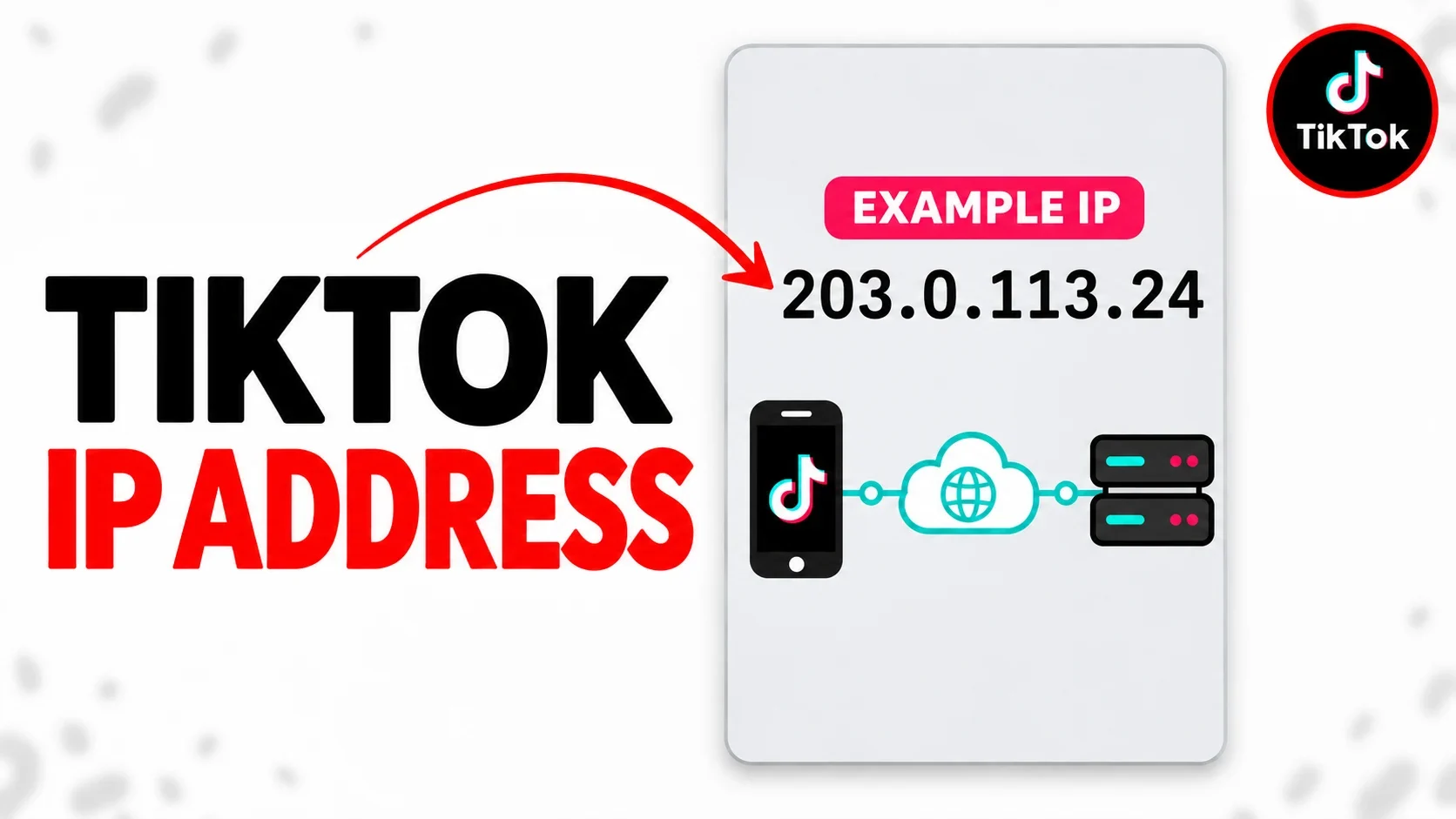
1. Which IP address does TikTok see on Wi-Fi, mobile data or a proxy?
Imagine you are streaming from home while someone else opens TikTok on the same Wi-Fi. Both devices can reach the internet through the same public IP. Switch your phone to mobile data and your connection goes through your carrier, which may give it a different address.
TikTok says it uses information such as your SIM region or IP address to determine your account country or region at signup. An IP can indicate an approximate location. Several people can share one, so the address alone tells you little about who is behind the camera.
2. How to test an IP in another country when reaching a new audience
Suppose your account region is set to the United States and you want to reach viewers in Spain. A Spanish residential proxy can route your stream through an IP in Spain. That changes the address TikTok sees for that traffic. Your registered account region is managed separately.
TikTok lists the country where a LIVE takes place among its recommendation signals. The streams people choose and how long they watch also matter. Try broadcasting when your Spanish audience is online and compare viewer locations across several streams with similar topics and time slots. Your usual IP can reach viewers abroad, and a Spanish exit address cannot guarantee a particular audience.
3. What to check if your LIVE reaches fewer viewers
If fewer viewers are joining and you suspect a shadowban, check your LIVE notifications. If TikTok sent a visibility restriction notice, open it to see the reason and appeal if you think there was a mistake. If all you see is a drop in views, compare viewer locations across recent streams before deciding whether to try another IP.
What to do about a LIVE visibility restriction
If the notice also suspended Gifts, see the appeal templates
4. TikTok proxy for LIVE: what SOCKS5 changes and what to check
A TikTok proxy forwards the connections your application sends to it. For that traffic, the destination sees the proxy’s outgoing IP. A VPN can route several applications through a tunnel. Check which traffic each setup covers. A browser proxy setting alone does not establish which route LIVE Studio uses.
- Compatibility. Check how to configure SOCKS5 on your application or device. If you need UDP, both the client and server must support relaying it.
- IP quality. Ask the provider to confirm the exit country, whether the address is residential and whether it is shared or exclusive. Check the country and network operator shown for the assigned IP. If you ordered Spain and the exit shows a different country, ask the provider to investigate before you stream. This checks the service you received. It cannot reveal TikTok’s internal assessment of an IP.
- Stream quality. Run comparable tests with and without the proxy. The extra route can add delay. Check for audio gaps and frozen frames as well as the advertised speed.
5. BullTok offers professional solutions for people and businesses that need to go live
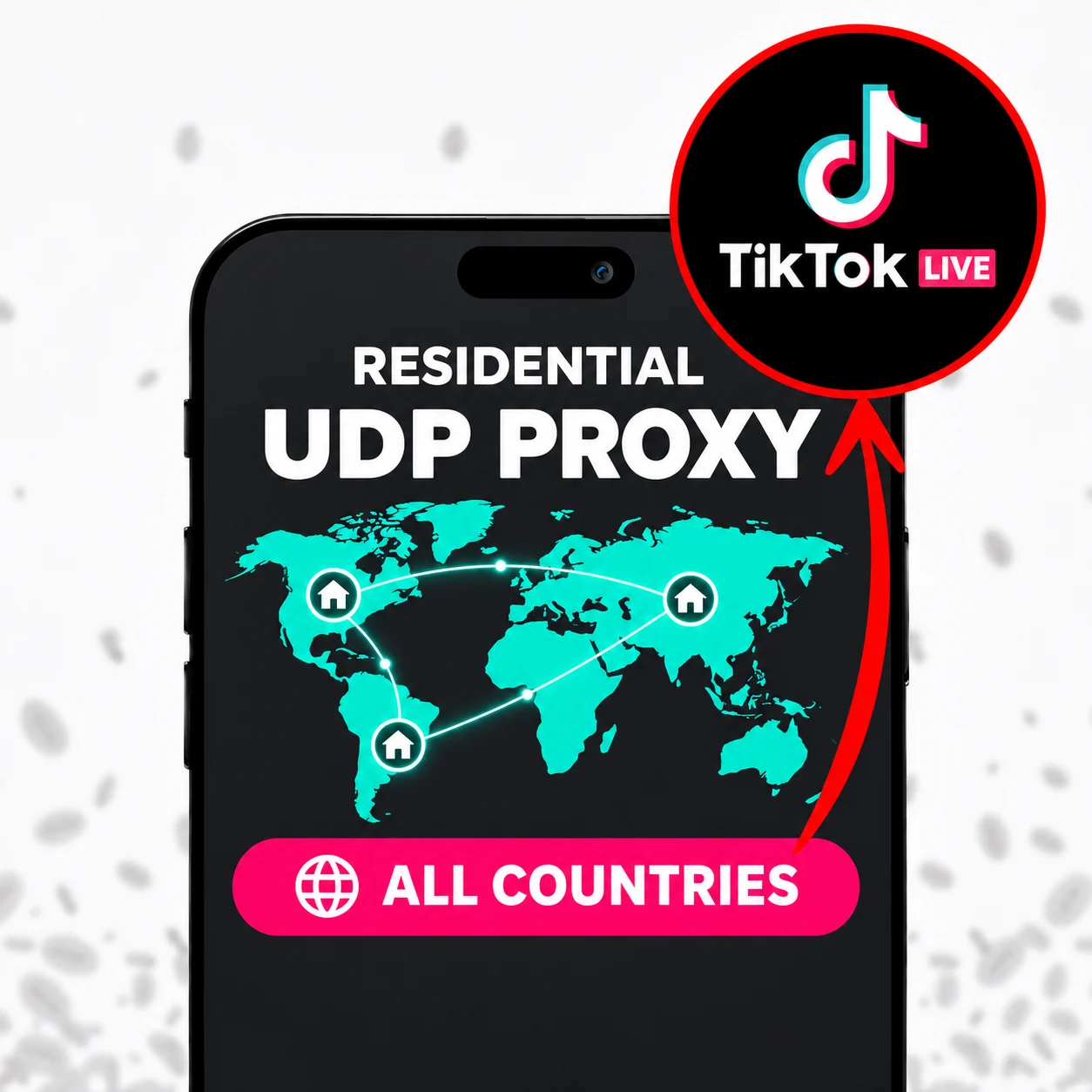
At BullTok we offer high-quality residential IPs on a monthly plan. The IP UDP TikTok listing lets you choose from 249 countries and territories for your connection. The service includes a 150 Mbps SOCKS5 proxy with UDP support.
If your concern is a drop in reach, our professional shadowban guide helps you review your notices and recent broadcasts. It includes a tool for asking your AI about your case.
6. Live Studio and Live Mobile accounts for your project
If you plan to use a residential IP in another country for a series of streams aimed at viewers there, we recommend dedicating a new account to that audience. From your first LIVE, TikTok starts receiving signals about how people respond to that content, such as how long they watch. A separate account lets you see where viewers come from and which topics hold their interest without mixing those results with your earlier streams.
Choose Live Studio if you broadcast from a computer and switch between camera scenes and screen sharing. If you cover events using your phone’s camera, see Live Mobile. If you want to buy a TikTok account with Live Studio access or a live ready mobile account, each listing shows the available options before checkout.
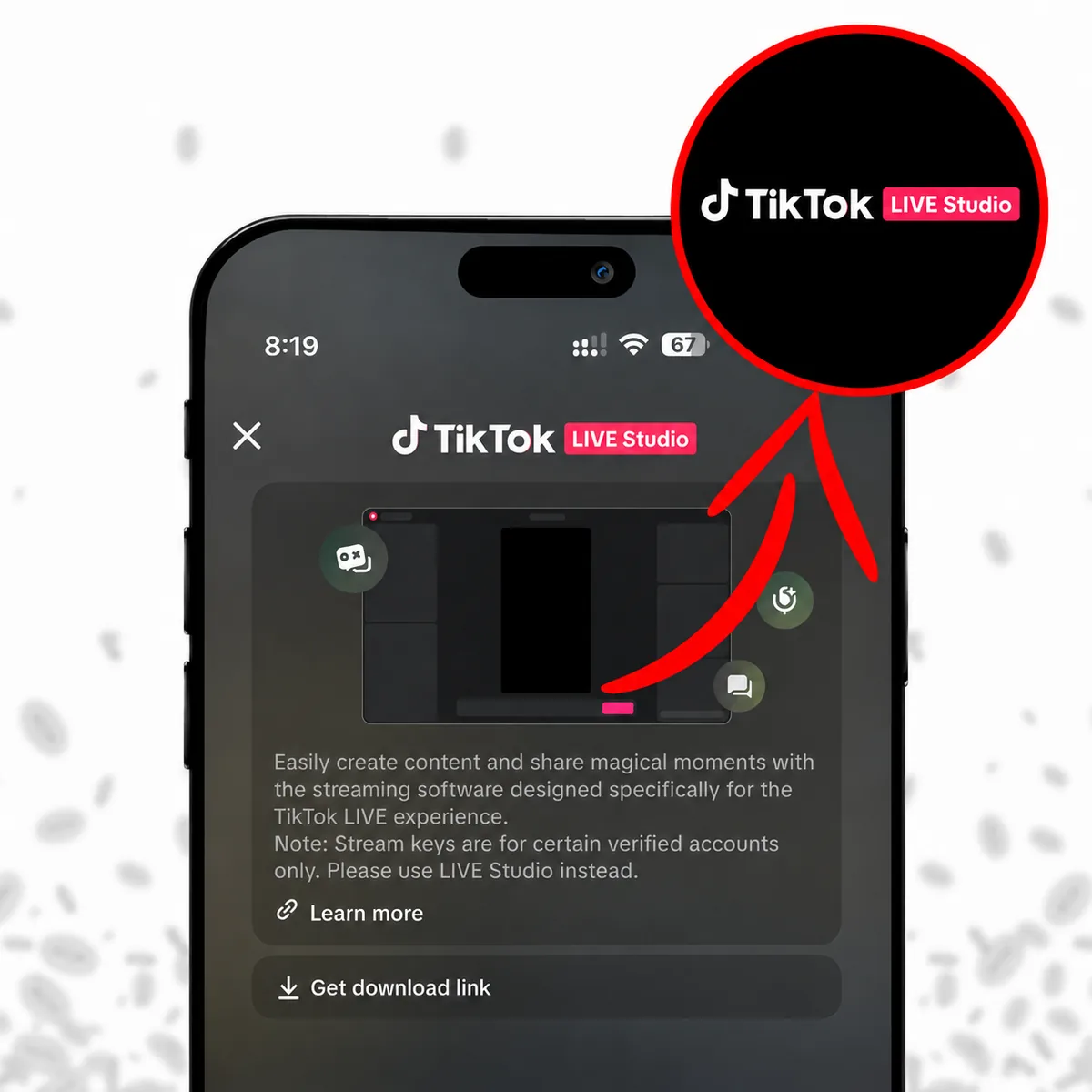
TikTok Live Studio account
Professional streams from your PC with OBS
Continue
TikTok Live Mobile account
Go live from your phone from day one
ContinueIf TikTok has removed LIVE access from an existing account, check the reason and duration in the notice. Use the appeal option shown there to request a review.
7. TikTok proxy FAQ
Do I need a TikTok proxy to go LIVE?
Not always. A TikTok proxy helps if you want your connection to come from another country or to separate your stream traffic. To stream from your own country, your connection is usually enough.
Which TikTok proxy works with LIVE Studio or OBS?
A SOCKS5 proxy with UDP support that you can set up in the software you use. Check compatibility with the provider before you pay.
Does a TikTok proxy remove a shadowban?
No. A proxy changes your connection route, not moderation decisions about the account.
Article sources
- How TikTok determines account region
- How TikTok recommends LIVE content
- Read the SOCKS5 specification and its UDP relay details
These references explain the rules or operation of each service. Check TikTok for the features and notices that apply to your account.