






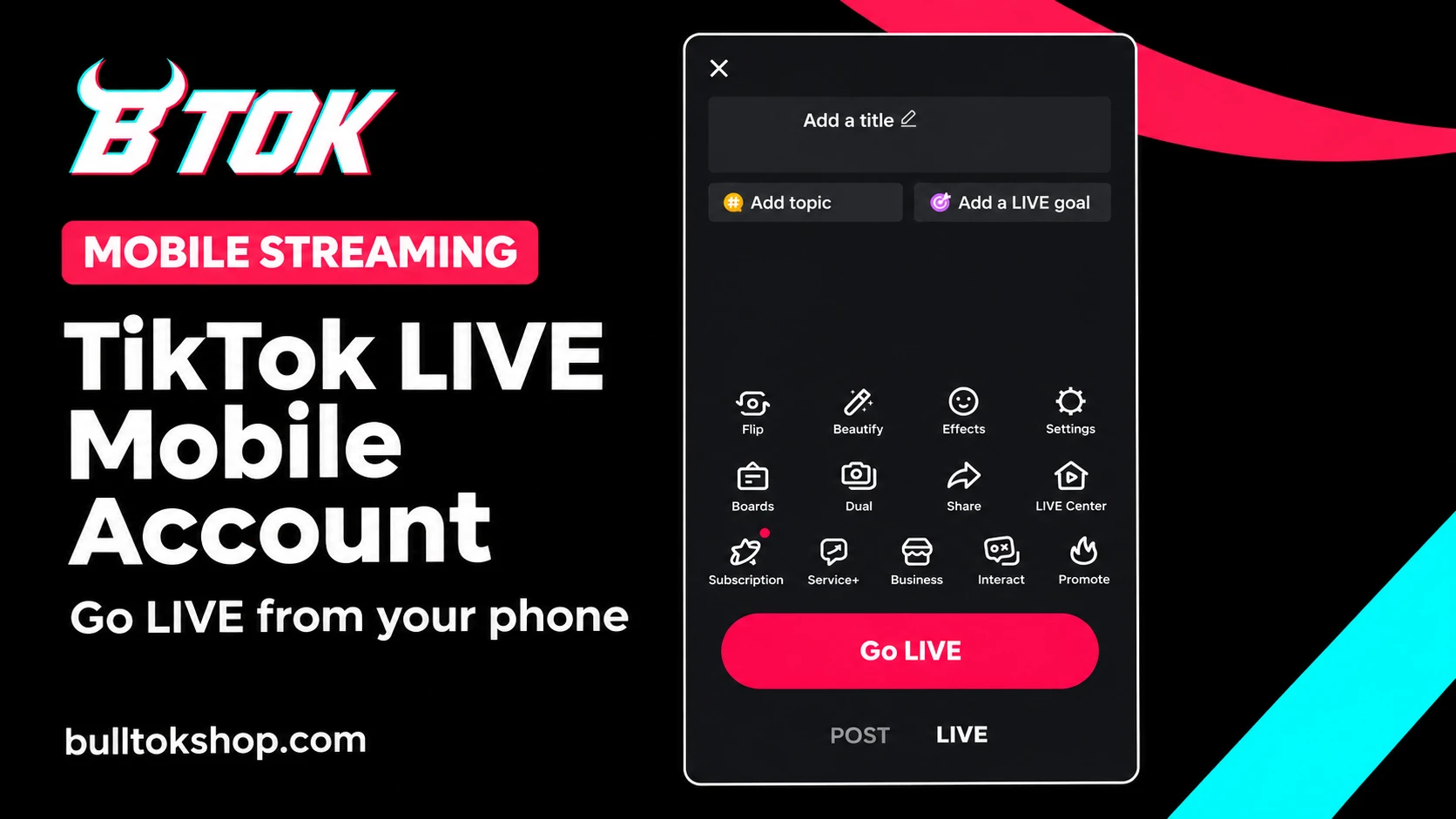
What you buy with a TikTok mobile LIVE account
This is an account intended for broadcasting through the TikTok phone app. Its main function is mobile LIVE access. It is not a service adding followers to your current profile or a desktop software licence.
It can suit conversations, demonstrations, music and content that does not need computer capture. Producing on a phone is convenient, but sound, lighting and connectivity still determine the experience.
Review the specific account. LIVE access, gifts, followers and other features are separate concepts; the product name should not be read as a promise of every TikTok tool.
Your phone as a LIVE production system
Capture, broadcasting and interaction together
A phone combines camera, microphone, connection and audience conversation. This makes it practical to show an activity where it happens: a workbench, demonstration or explanation to camera. It also divides attention between presenting and reading. Decide where the phone will stand and how you will check framing, sound and interaction throughout the session before thinking about accessories.
Account access and device capabilities
LIVE access belongs to the account; capture quality and stability also depend on the device and environment. A better camera does not enable an unavailable account feature. Likewise, an account with LIVE does not correct a poorly positioned microphone or weak signal. Separating these questions avoids changing products when the real need is to adjust production.
When a mobile format fits
Mobile works well when the presenter and subject share a physical space. Conversations, hands-on tutorials and visits can benefit from that closeness. If you need many windows, game capture or complex composition, compare the desktop workflow. This is a decision about control and how many tasks you can manage while presenting, rather than a ranking of quality.
Prepare your first mobile LIVE
A seated conversation, a tabletop demonstration and a moving broadcast require different preparation. Start with the format, then check the equipment you need.
Review the option
Check region, LIVE access, price and availability. Confirm any additional feature you depend on.
Organize account access
Follow the delivery instructions and review account security settings. Protect credentials and keep responsibilities clear if a team is involved.
Prepare the broadcast
Check camera and microphone permissions, battery, framing and connection stability. Verify LIVE availability in the app before announcing a session.
Set up the space and the phone
Framing, distance and readability
Place the phone so the main activity remains visible without holding it continuously. Check what falls outside the frame and whether hands or objects block the explanation. When showing labels or details, assess readability on a small screen. An orderly background helps attention but does not replace a clear demonstration. Rehearse the same movements you will make live.
Sound, light and endurance
Listen to a voice test from the real working position. If you move away, check whether you remain intelligible and whether surrounding noise takes over. Use lighting that reveals the object or gesture being explained. Prepare sufficient battery and consider heat during a long session. These production factors deserve checking before treating a cut or quality drop as an account-access issue.
Rehearse the full workflow
Practise the opening, material placement and how to answer questions without losing the thread. Test the connection at the actual broadcasting location. Review notifications and anything that might appear on screen. If the audio accessory or network changes, repeat the relevant check. A short pre-session list is more useful than an accumulation of settings nobody remembers.
A mobile account compared with PC broadcasting
Choose according to what viewers need to see and how you plan to produce your content.
| Your need | Option to compare | Why |
|---|---|---|
| Talking to camera on a phone | Mobile LIVE | One device handles picture, sound and broadcasting. |
| Showing a PC screen or game | LIVE Studio | The computer organizes the sources for your stream. |
| Keeping an existing OBS production | OBS option | Access and a compatible connection method must be confirmed. |
| Selling through Shop features | TikTok Shop enquiry | LIVE access alone is not a seller account. |
Followers, age and region: check each requirement
The follower count alone does not answer whether someone can go LIVE on TikTok. TikTok sets a minimum broadcasting age and access criteria that may vary. Its communications describe tests of different thresholds and progressive feature access.
Check the account's actual permissions and the current requirements for its user. An account is not a way to bypass age verification or platform conditions.
The account country also does not guarantee that every viewer will come from that location. Choose a region appropriate to the project and confirm specific needs before buying.
- Confirmed mobile LIVE access and expressly included features.
- Account region and current usage requirements.
- Price, availability and delivery time.
- Getting-started instructions and guarantee terms.
What to prepare beyond the account
For a community conversation, choose a clear topic and a short outline. Keep the phone stable and make sure you can read chat without losing your framing. Access is one part of the process; the content gives the session direction.
For product or craft demonstrations, test camera distance and lighting over the subject. Check how your voice sounds when moving away from the microphone.
In an agency or team, assign a person responsible for each session. Recording the format, planned duration and equipment helps repeat a good setup and decide when PC production would be useful.
What to check when LIVE access is removedSeparate access, technical quality and audience response
The LIVE option is missing
Check the signed-in profile and available notices. Follower count alone is not sufficient evidence of access; conditions may depend on account and market. Record the exact message and consult official information. Desktop access does not establish mobile access either. A useful enquiry identifies the missing format and the account option in use.
The session stops or voice quality suffers
Review the network, device condition and audio input separately. A network change or an unrecognised accessory can produce symptoms unrelated to account restrictions. Record when the fault occurs and whether a notice appears. Avoid changing phone, network and microphone together: you would lose the ability to identify which change explains the outcome.
Viewers are present but conversation is limited
Invite a specific contribution related to the activity: choosing an example, naming a difficulty or discussing a demonstration. Planned question breaks help retain structure. When comparing sessions, consider subject, time and duration. Real followers may come from many countries with different interests; they are not a group that will respond identically to every broadcast.
Build a recognisable mobile programme
An example of session structure
A craft broadcast could introduce the finished result, show materials, demonstrate a technique and leave time for questions. This is a planning example, not a format included with the account. A repeatable structure helps both presenter preparation and audience understanding. Change the specific content while keeping the parts clear, particularly when working with your hands and speaking simultaneously.
General and niche accounts
A general organic account may suit a project still defining its subject, but it does not establish a local or specialist audience. With a defined niche, consider history and follower affinity. Agency-based selection can seek that continuity. The two-day to one-week period describes selection and preparation communicated by BullTokShop, not the time needed to achieve audience results.
When desktop production becomes useful
Consider a computer when the format needs greater control of scenes, screens or multiple sources. Preserve what works on mobile: a clear subject, pacing and connection with the community. Check the access needed for the new workflow separately. This makes expansion answer a production need rather than adding equipment or changing accounts without a defined problem.
Questions about phone-based LIVE
Does this activate LIVE on my existing account?
This product is an account from the catalogue. It should not be confused with activating LIVE on your existing profile.
Can an account with many followers always go LIVE?
No. Followers are only part of the criteria. Check actual access, age requirements and TikTok's current conditions.
Does it include LIVE Studio or OBS access?
Do not infer that from mobile access. Compare LIVE Studio and the OBS option if you want to stream from a PC.
Are gifts available in every country?
Eligibility and features depend on TikTok, the region and the account. Confirm the specific features rather than buying on expected income.
Where can I check price and delivery?
Create an account or sign in to review enabled shop options. Confirm availability and delivery before payment.
Can I request an account in a specific niche?
Yes, through a personalized enquiry. The agency network is used to find an account with relevant video history and followers. Selection can take two days to one week; price, features and timing are confirmed for your project.