






PC streaming
TikTok stream key: how to get it and go live with OBS
Looking for your TikTok stream key? Find the key and server URL for OBS, and check which streaming options you can use if your account only shows LIVE Studio.
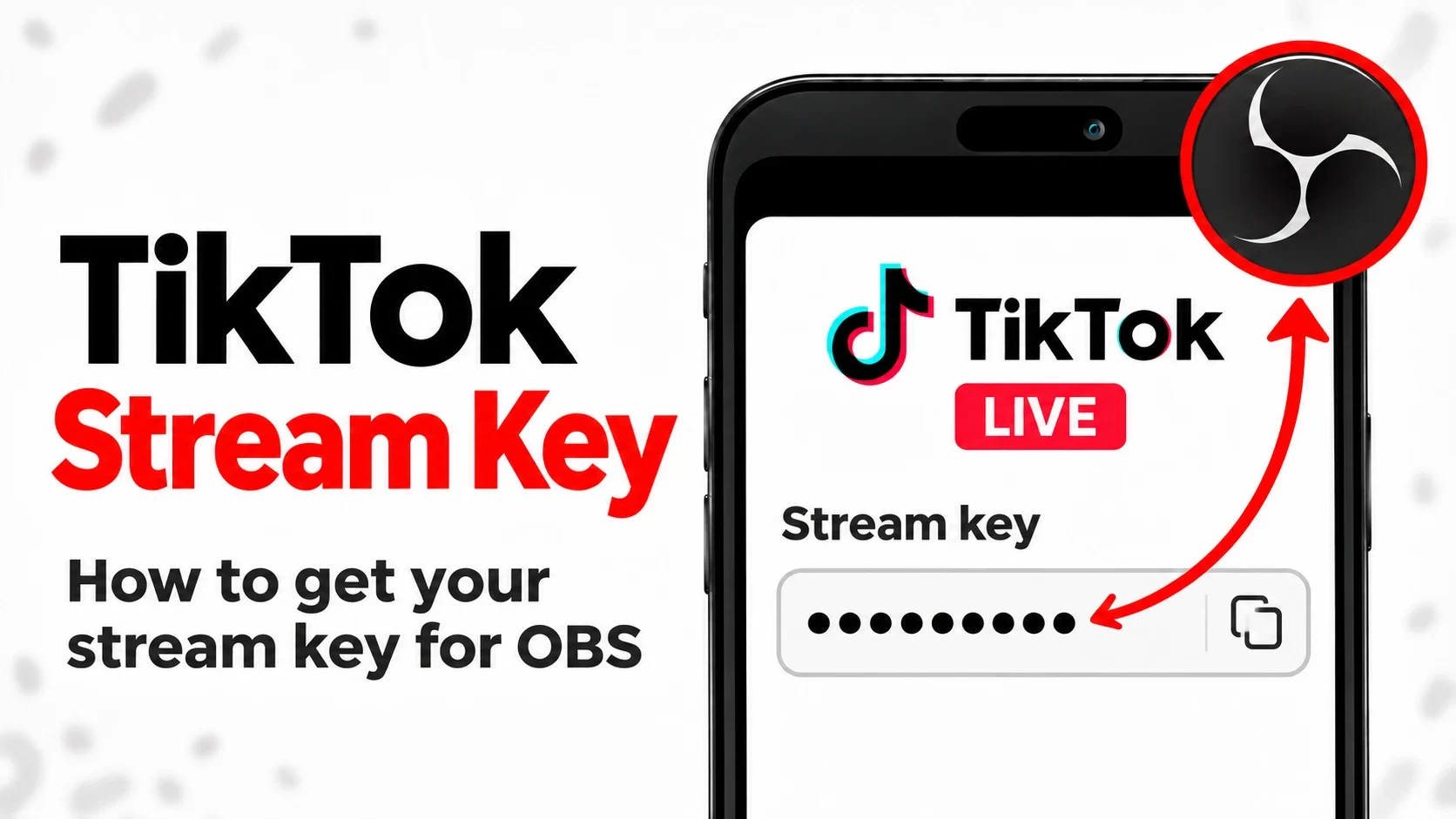
1. What is the TikTok stream key?
The TikTok stream key is a private code that connects streaming software such as OBS to your account. TikTok gives you two details: the Server URL, which tells OBS where to send the signal, and the Stream Key, which identifies your LIVE. With both, OBS sends your PC’s video and audio to TikTok LIVE.
Anyone with your stream key can broadcast to your account while the key is active. Treat it like a password: never show it in screenshots, chats or screen recordings. Below you will see how to get your TikTok stream key and use it in OBS.
2. What your account needs to get a stream key
TikTok says you must be at least 18 and have the number of followers required in your region to go LIVE. Desktop options, including OBS with a stream key, are not available to every account or in every country.
- Minimum age to go LIVE: 18.
- Followers: the minimum varies by region. 1,000 is often mentioned, but check what the app shows you.
- Good standing: an active notice or LIVE restriction can block access.
- PC LIVE access: some accounts stream with LIVE Studio while others receive a key for OBS.
3. Where to find your TikTok stream key and server URL
Start setting up a LIVE in TikTok on your computer. If your account can stream with external software, TikTok shows the server URL and stream key that OBS asks for. The menu name may vary by region.
- Log in to TikTok on your computer with the account that will stream.
- Open the option to go LIVE from your computer, which may be labeled LIVE Center or Producer, and choose a title and category.
- Copy the Server URL and Stream Key shown in the stream settings.
- If you cannot see them, your account does not have this option yet. Check whether you can use LIVE Studio instead.
The key can change from one LIVE to the next. Copy a fresh one before every stream instead of reusing an old key.
4. How to get your TikTok stream key into OBS
- Open OBS and go to Settings → Stream.
- Set Service to Custom.
- Paste the Server URL into Server and the Stream Key into Stream Key.
- Under Video and Output, choose a resolution and bitrate your connection can sustain. For vertical video, set a 1080 × 1920 canvas.
- Click Start Streaming and check in TikTok that the preview receives your signal before you go live.
OBS is free, open-source software that TikTok does not own. For questions about scenes or encoders, see the OBS documentation.
5. If OBS will not connect: common stream key errors
- If OBS worked last time, reopen the stream settings for today’s LIVE and copy the current key.
- Extra spaces: remove spaces before or after the Server URL and key.
- Wrong service in OBS: it must be Custom, not another platform.
- Active LIVE restriction: if TikTok removed your access, the key will not work until it is resolved.
- Unstable connection: lower the bitrate or use a wired connection.
6. No stream key? Use LIVE Studio or a live ready account
If you do not see a key, TikTok LIVE Studio is the official way to stream from a PC: it combines camera, screen and games without configuring a key. It also requires your account to have access.
If you need to stream from your computer and your account does not meet the requirements yet, at BullTok you can buy a TikTok account with Live Studio access, live ready for PC streaming with LIVE Studio or OBS. Check the country, options and delivery terms on the product page.
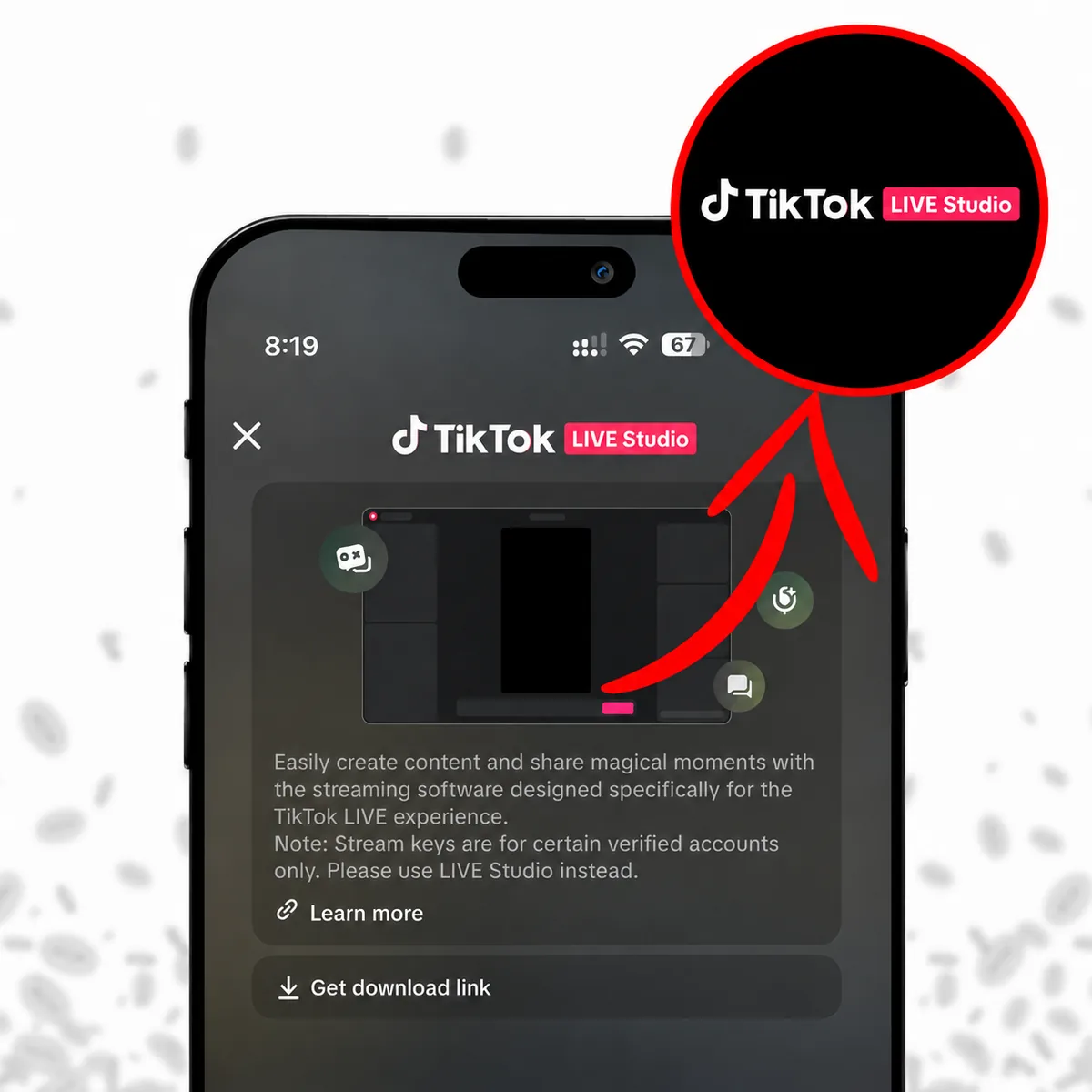
TikTok Live Studio account
Professional streams from your PC with OBS
Continue
IP UDP TikTok
Clean IP for streaming · SOCKS5 with UDP · 150 Mbps
ContinueA different account does not lift an active restriction on another one, and TikTok may sanction accounts used to evade it. Review your situation before deciding.
7. TikTok stream key FAQ
Is the TikTok stream key free?
Yes. TikTok generates the key for accounts with external streaming access. Anyone showing you how to get your TikTok stream key can talk you through the menu without seeing your password or the key itself.
How do I get a TikTok stream key without 1,000 followers?
The key depends on PC LIVE access, which TikTok grants by region and account. Without it, you can keep growing, work with an official creator network or use an account that already has Live Studio access.
Can I always use the same stream key?
It is better not to. The key can change between streams, so copy it again before each LIVE.
Can I go live on TikTok from a PC without a stream key?
Yes, with TikTok LIVE Studio, as long as your account has access.
Article sources
These references explain the rules or operation of each service. Check TikTok for the features and notices that apply to your account.